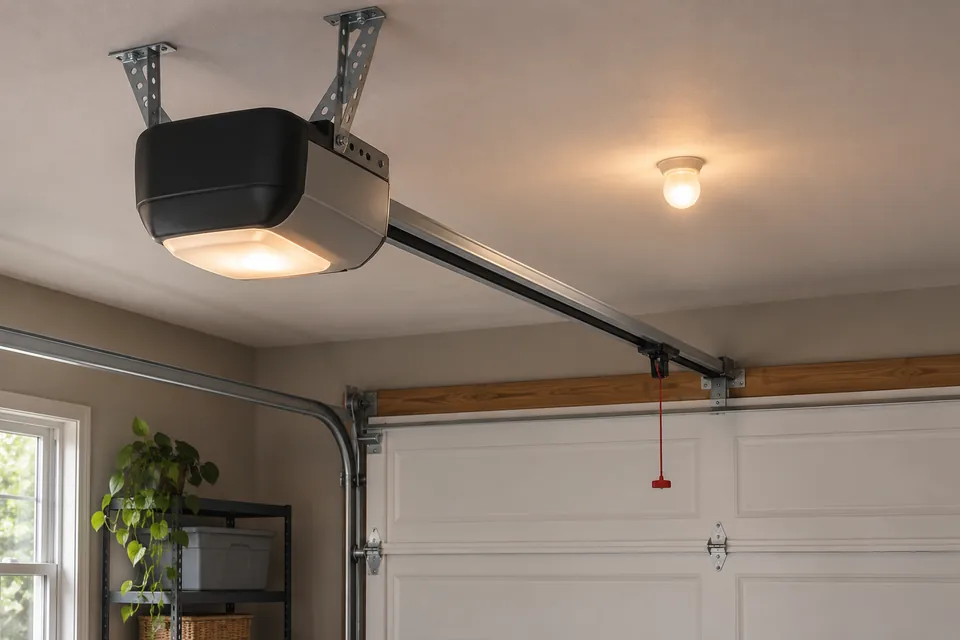
This guide covers Wi-Fi, app access and connected accessories. Handheld transmitters and exterior PIN controls have separate service scopes.
Identify what will connect
Provide the opener and existing hub models from paperwork or a safely accessible label. Ask whether connectivity is built in or requires a specified retrofit kit, door-position sensor or adapter. The proposal should document accessory compatibility with the retained opener and door type.
Compatibility has physical limits as well as app requirements. Genie’s Aladdin Connect retrofit instructions exclude one-piece doors. That restriction concerns the documented kit. A recognizable brand or a working wall button cannot confirm that an arbitrary accessory is suitable.
Locate the connection problem without cycling the door
Record the exact app message and whether the problem followed a router, password or internet-provider change. Report behavior already observed during ordinary use; do not recreate a movement fault. An offline message alone cannot establish opener failure.
Ask the provider to check signal at the proposed device location and the product’s network requirements. Chamberlain’s myQ guidance says most garage devices use 2.4 GHz Wi-Fi and identifies network visibility and authentication restrictions. Compatibility with a particular mesh router or shared network needs verification. Agree whether router changes require your internet provider or network administrator.
Make account ownership part of the handover
Keep the controlling account under the authorized owner’s recoverable email address. Enter credentials privately and agree who may receive shared access. At a rental or managed property, establish the owner’s or manager’s authorization before changing account access.
Tell the provider if equipment was left by a previous occupant. Chamberlain distinguishes a device linked to another myQ account from a Wi-Fi setup problem, and says a Wi-Fi reset does not clear that ownership. Request the exact product’s handover procedure and an explanation of affected users or paired devices before authorizing a reset. Review the resulting access list with the owner.
Include the safeguards and completion record
Ask a qualified provider to complete the applicable manufacturer commissioning checks, including entrapment protection, required warning devices and labels, and door-position reporting. Genie warns that unattended control can cause unexpected movement. Setup must preserve required safety functions; internet connectivity cannot replace them.
The handover should record the installed models, controlling account, authorized users and unresolved connection limits. For a physical fault, use opener troubleshooting. Handheld and vehicle transmitters belong under remote programming; exterior numeric controls belong under keypad installation. Confirm exact-address coverage and the proposed work with the actual provider before arranging a Silver Spring visit.
Settle the setup scope before work starts
- Which accessory and opener models are documented as compatible?
- Who handles device setup, network changes and any required physical installation?
- Who owns the account, and which users should retain access?
- Which model-specific safety and status-reporting checks will be recorded?
Common questions
Does an offline app mean the opener needs replacement?
No. Record the message and recent network changes. The connection and the physical operating system need separate assessment when symptoms involve both.
Will reconnecting Wi-Fi remove a previous owner’s account?
Do not assume it will. myQ specifically distinguishes network resets from ownership removal. Have the authorized owner and provider follow the exact device’s handover guidance.
Is an add-on door-position sensor the same as a safety photo-eye?
No. Genie documents a position sensor for reporting door state and separately requires photocell safety protection for the cited retrofit installation. Identify both functions in the proposed scope.
Read a little further.
Sources reviewed November 11, 2026. Follow the manual for your exact door and opener. These resources support general guidance, not a remote inspection.
- Chamberlain: myQ Wi-Fi network requirements and router settings Supports product-specific network checks and referral to the ISP or router manufacturer for configuration help.
- Chamberlain: myQ device ownership and moving Distinguishes account ownership from network setup and describes model-specific handover resources. No reset sequence is reproduced.
- Genie: Aladdin Connect installation instructions Documents retrofit restrictions, photocell protection, unattended-operation warnings and warning-label requirements for the cited kit.
- Genie: Aladdin Connect FAQs Describes the separate hub, door-position sensor, app registration and compatibility steps for the identified retrofit product.